
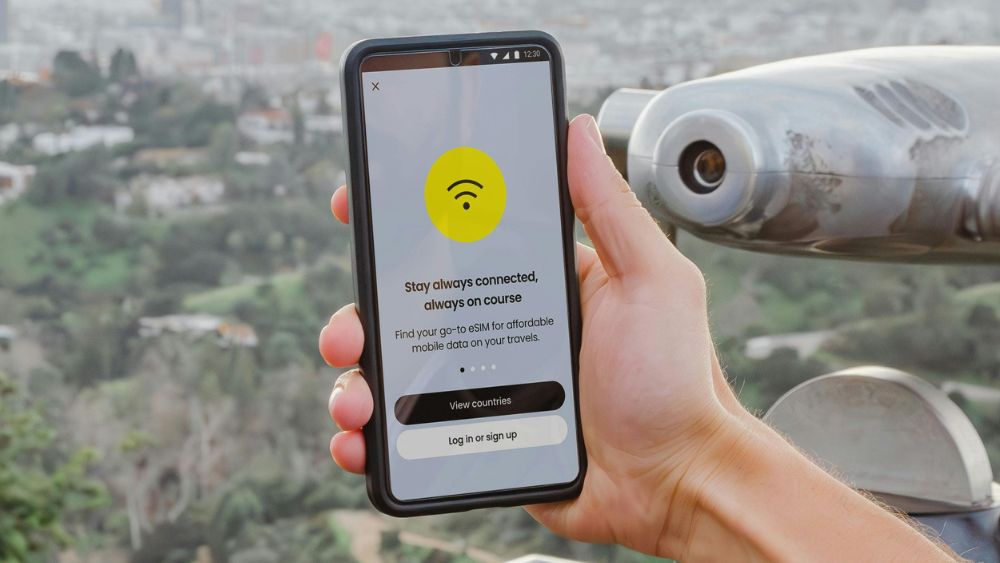
Picture for illustrative purposes only. ARCHIVE
In today’s fast-paced digital world, convenience is key—and that’s exactly what the eSIM brings to the table. Say goodbye to the hassle of swapping physical SIM cards and hello to the future of connectivity. Ready to make the switch? Here’s the ultimate guide to eSIM technology and how to activate eSIM seamlessly. What is an eSIM? An eSIM, or embedded SIM, is a digital version of the physical SIM card most of us are familiar with. Instead of a removable chip, it’s built directly into your smartphone, tablet, or other digital devices. This means no more fiddling with tiny trays or worrying about losing your SIM card. The eSIM can be activated by connecting to a network with a simple scan of a QR code or via your carrier’s app. Most modern smartphones, like the latest iPhone 16, Samsung Galaxy, and Google Pixel models, are now equipped with eSIM technology. Benefits of Switching to an eSIM One of the standout features of the eSIM is its ability to switch networks without the need for two physical SIM cards. This is a game-changer for those who need multiple numbers—like a personal and a work line—on a single device. It’s also handy for frequent travellers who want to use a local SIM while keeping their home number active. How to convert your SIM to eSIM in UAE? Major telecom companies in UAE now provide easy services that let you switch your physical SIM to an eSIM without any hassle. Here's how: e& SIM 1. Log into the e& UAE app with UAE PASS on your eSIM-compatible device. 2. Tap 'Manage.' 3. Choose the SIM you want to convert or transfer. 4. Select 'SIM card.' 5. Tap 'Replace SIM/Switch to eSIM.' 6. Choose 'eSIM' as the SIM type. du SIM 1. Install the du app on your eSIM-compatible device. 2. Log into the du app. 3. Tap the menu next to your mobile number. 4. Select ‘Manage your SIM.’ 5. Choose the SIM you want to convert or transfer. 6. Tap 'Convert to eSIM' or 'Activate eSIM on this device' to transfer. 7. Verify your request using UAE PASS. 8. Once verified, the eSIM will be added to your device. For corporate numbers, contact your corporate authorized signatory to get an eSIM. Virgin Mobile For iOS device users 1. Open the Virgin Mobile app and log in. 2. Go to 'My Account,' tap 'My Number,' and choose 'Move to eSIM.' 3. Review the instructions, check all the boxes, and tap 'Get started.' 4. Verify your identity by entering your password. 5. You'll receive an OTP code. Enter it to confirm the switch from your physical SIM to an eSIM. 6. After confirming, your physical SIM will be deactivated. 7. Tap 'Install eSIM,' which will redirect you to your phone’s settings. 8. Select 'Add Cellular Plan' and proceed. 9. The eSIM will be automatically installed on your device. For Android device users 1. Go to Virgin Megastore and ask assistance from the staff to activate your SIM as eSIM 2. You can make up to five eSIM swaps per year, with a Dh10 fee for any additional swaps. New and existing customers, even tourists, can access eSIM services from du, e&, and Virgin Mobile. All of these telecommunication companies provide free eSIM activation but if you're an e& user transferring your eSIM from an old iPhone to a new one, there will be a fee of Dh25 plus VAT. FLE/Expat MediaFor all the latest news from the UAE and the world, follow us on Facebook, Twitter and Instagram and subscribe to our YouTube page












Comments
Leave a Comment